Quote-creation software in 2026: Word, Excel, invoicing software, or a dedicated app? An honest comparison
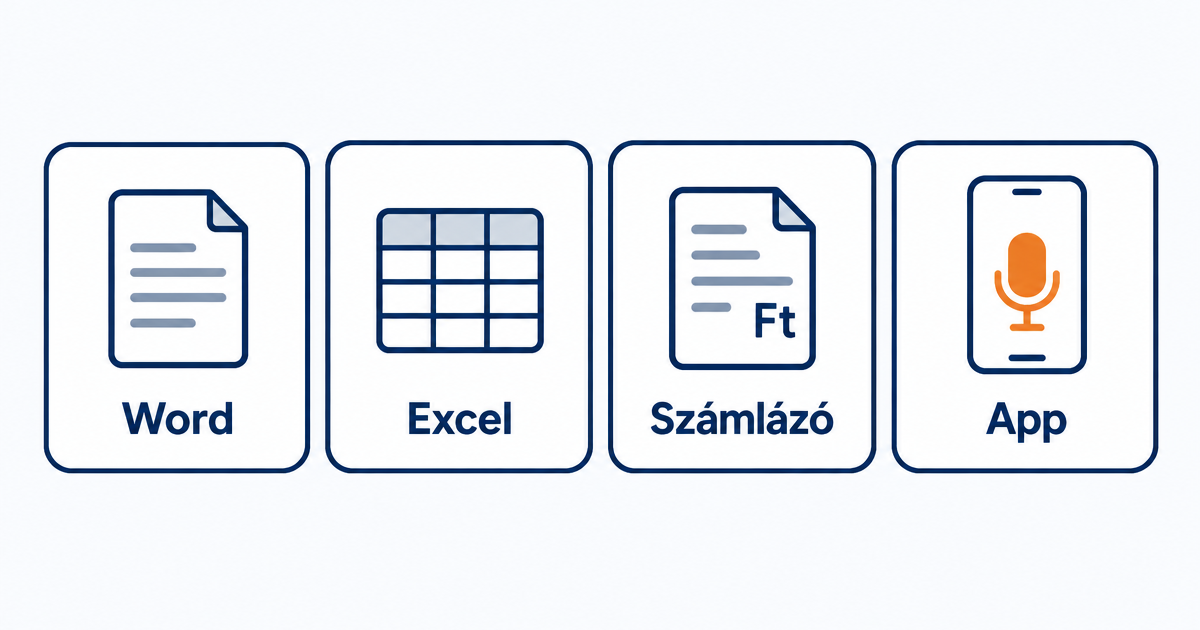
Two kinds of people search for "quote-creation software": someone writing their first quote, for whom anything beats a blank page, and someone who writes five a week and is sick of retyping everything every time. The two need different things. This article runs through the five typical solutions, honestly, including Ajánlatra, which is what we make.
Quick answer
| Solution | Who it's for | Price | Strength | Weakness |
|---|---|---|---|---|
| Word / Excel template | 1 to 3 quotes a month | Free | Everyone has it, completely flexible | You retype everything each time, the client can edit it, you can't see if they've opened it |
| Invoicing software (Billingo, Számlázz.hu) | Someone already using invoicing software, quoting from the office | Depends on the invoicing plan | Quote and invoice in one place | Built for invoicing, not for quoting on site |
| Construction costing software (e.g. TERC) | Larger contractors, tenders, designers | Separate licence | Itemised norms, detailed budgeting | Learning curve, overkill for an 8-item bathroom job |
| Foreign online quote builders | Those who also work in English | Typically a monthly fee in dollars | Lots of integrations | No Hungarian VAT logic, no small business exemption, no forint templates |
| Ajánlatra (voice-based) | Tradespeople and service providers quoting on site | Free: 3 quotes a month · Pro HUF 4,990/month | Say it out loud, your branded quote is ready, accept it online | Doesn't invoice, you issue the payment request and invoice elsewhere |
1. Word and Excel templates
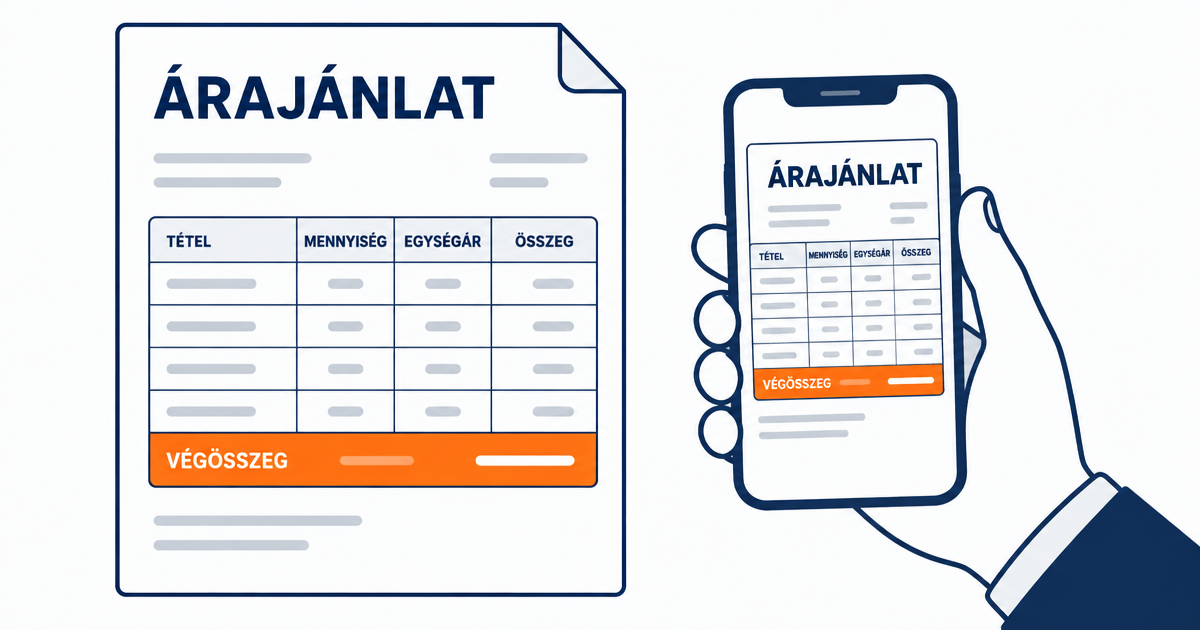
Everyone starts here, and if you only send a few quotes a month, there's nothing wrong with that. With a good template (you can download one free on the quote template page), a quote is ready in ten minutes.
The trouble starts once you're sending a lot of quotes:
- you retype the company details, line items and prices every time;
- the Word file can be edited, so you save it as a PDF, an extra step;
- you can't see whether the client has opened it;
- you do it on the laptop in the evening, not on site, so it ends up days late.
In Excel, at least the maths doesn't go wrong, but the rest is the same.
2. Invoicing software with a quote feature
If you already use online invoicing software, it's natural to write quotes there too.
Billingo. Alongside invoices, it can also issue a quote-type document (their 2026 mobile app update notes list quotes alongside receipts, order forms and delivery notes). If the quote later turns into an invoice, everything stays in one system. The free plan allows a limited number of documents per year, it's worth checking their site for current plans.
Számlázz.hu. Built specifically for invoicing: payment requests, deposit invoices, final invoices, delivery notes. Their official feature table doesn't include quotes. If you invoice here, you'd write the quote elsewhere, and issue the payment request and invoice here.
Both share the same issue: they're office tools. Putting together an itemised quote in the van after a site survey is slow in them, because the interface follows invoicing logic (line items, VAT rates, document series), not "what I'm taking on and for how much" logic.
3. Construction costing software
TERC and similar systems calculate based on itemised norms: trade, materials norm, machine hours. For larger construction jobs, public procurement, or a designer's budget, this is the standard. For painting a living room, though, it's overkill: the learning time and cost don't pay off for an 8-item quote. If you also tender as a contractor, the two complement each other well: costing software for big projects, quote-creation software for everyday surveys.
4. Foreign online quote builders
There are plenty of English-language tools, with lots of integrations. For a Hungarian tradesperson, three things are missing: the VAT logic (27%, 5%, small business exemption, reverse charge) isn't built in, the templates and client-facing text are in English, and you pay a monthly fee in dollars or euros. If you also have clients abroad, this might matter, but it's not ideal for domestic work.
5. Ajánlatra: say it out loud, and it's done
Ajánlatra is built for Hungarian tradespeople and service providers, for one thing: getting the quote ready on site, as fast as possible, so the client can accept it immediately.
Here's how it works: you press the microphone and say what you're taking on ("sixty-two square metres of wall painting in two coats, one thousand nine hundred forints per square metre, materials included"). The line items, quantities and unit prices are added to the quote, VAT is calculated according to your settings (27%, 5% or VAT-exempt), and the total is also shown gross. Your logo, company details, validity period (30 days by default) and terms are all added. The client receives it by email as a PDF, by SMS or WhatsApp as a link, or on site via QR code, and accepts it with one button. You can see when they opened it and when they accepted it.
What also matters for everyday work: you save your frequent line items as templates with your prices; you can attach photos per room; you can create quotes in Hungarian, English or German, in forints or euros; on the Pro plan you can import your existing price list from Excel, PDF or a photographed sheet of paper; on the Team plan, five of you work from shared templates.
What it doesn't do, and we'll say this honestly: Ajánlatra doesn't invoice. You issue the payment request, deposit invoice and final invoice in your invoicing software, based on the line items from the accepted quote. We explain why this is the right approach in the quote, payment request, invoice article.
Price: the free plan gives you 3 quotes a month with no time limit, no card needed. Pro is HUF 4,990/month (unlimited quotes and templates), Team is HUF 14,990/month for five users; two months free with annual billing. Details on the pricing page.
Which should you choose?
- 1 to 3 quotes a month, mostly from the office: a Word or Excel template is plenty. Download the template and send it as a PDF.
- Lots of invoices, few quotes, want everything in one system: your invoicing software's quote feature, if it has one.
- Large construction jobs, tenders, designer's budgets: costing software.
- After a site survey, from your phone, fast, with your branding: a quote-creation app. If that's you, you can try Ajánlatra on the homepage without registering, using your own line items.
Whichever you choose, the principle is the same: itemised, with a validity period, clear terms, and as soon as possible. The How do I write a quote? guide applies to any tool you use.
Information about other providers reflects their public materials as of September 2026, always check their own site for current features and prices.
Frequently asked questions
Is there completely free quote-creation software?
Yes, several options. Word and Excel templates are already on most computers. Billingo's free plan allows a limited number of documents per year. Ajánlatra's free plan gives you 3 quotes a month with no time limit and no card needed. So "free" depends on how many quotes you send.
Can I create quotes with my invoicing software too?
Depends which one. Billingo can issue a quote-type document alongside invoices. Számlázz.hu's official feature table lists payment requests, deposit invoices and final invoices, but not quotes. Both are built for invoicing, not for creating quotes on site.
What's the difference between quote-creation software and costing/budgeting software?
Costing software (such as the TERC system) calculates in great detail based on itemised construction norms, mainly for larger projects and tenders. Quote-creation software is for everyday quotes with 5 to 15 line items, quick and easy for the client to understand.
Do I need to install quote-creation apps?
Online tools run in the browser, no installation needed. Ajánlatra works the same way on phone and computer, and behaves like an app when added to your home screen.
Related articles
Quote template 2026: a filled-in example and downloadable template (Word, Excel, PDF)
Free quote template for Hungarian tradespeople: a filled-in example with line items, downloadable Word, Excel and PDF templates, and the most common mistakes tradespeople make.
How do I write a quote? Step by step, with a filled-in example
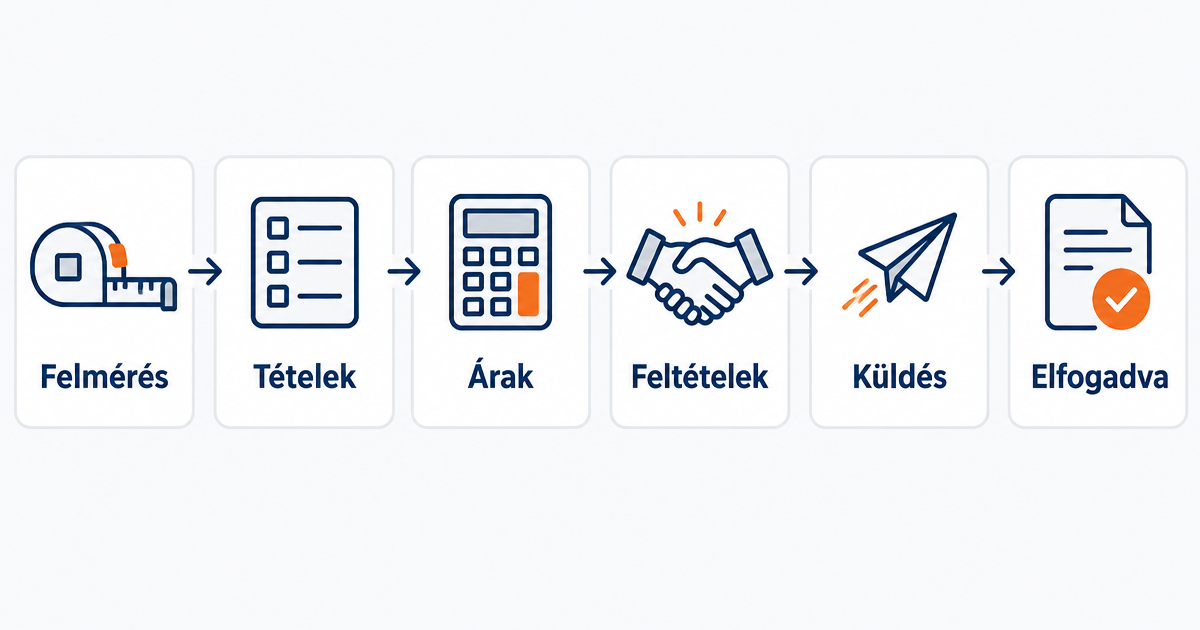
Writing a quote step by step: what it should include, what's mandatory, how to price items, what to put in the terms and the validity period. With a filled-in example.
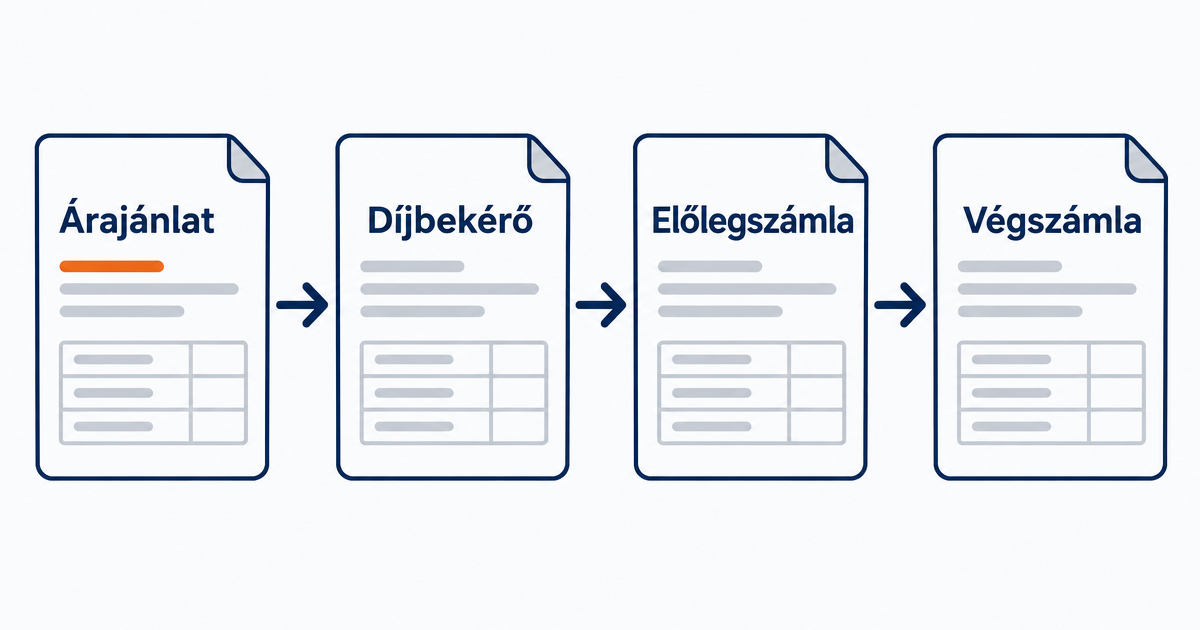
Quote, payment request, deposit invoice, final invoice: what's the difference, and when do you need which?
Quote, payment request (pro forma), deposit invoice and final invoice: which is needed when, which carries VAT and Hungarian tax authority obligations, and in what order to issue them. Simply explained, for tradespeople.
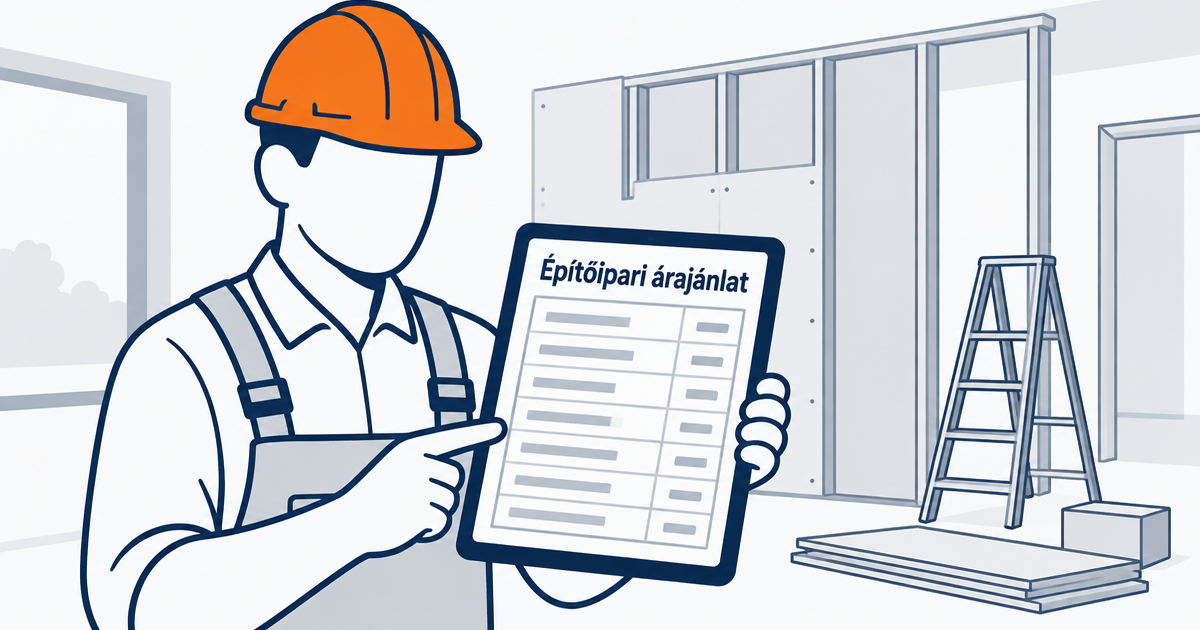
Construction quote template: an itemised example for contractors, and what to watch for with reverse-charge VAT
Construction quote template for contractors: itemised breakdown of materials and labour, terms, warranty, reverse-charge VAT. Filled-in example and downloadable template.